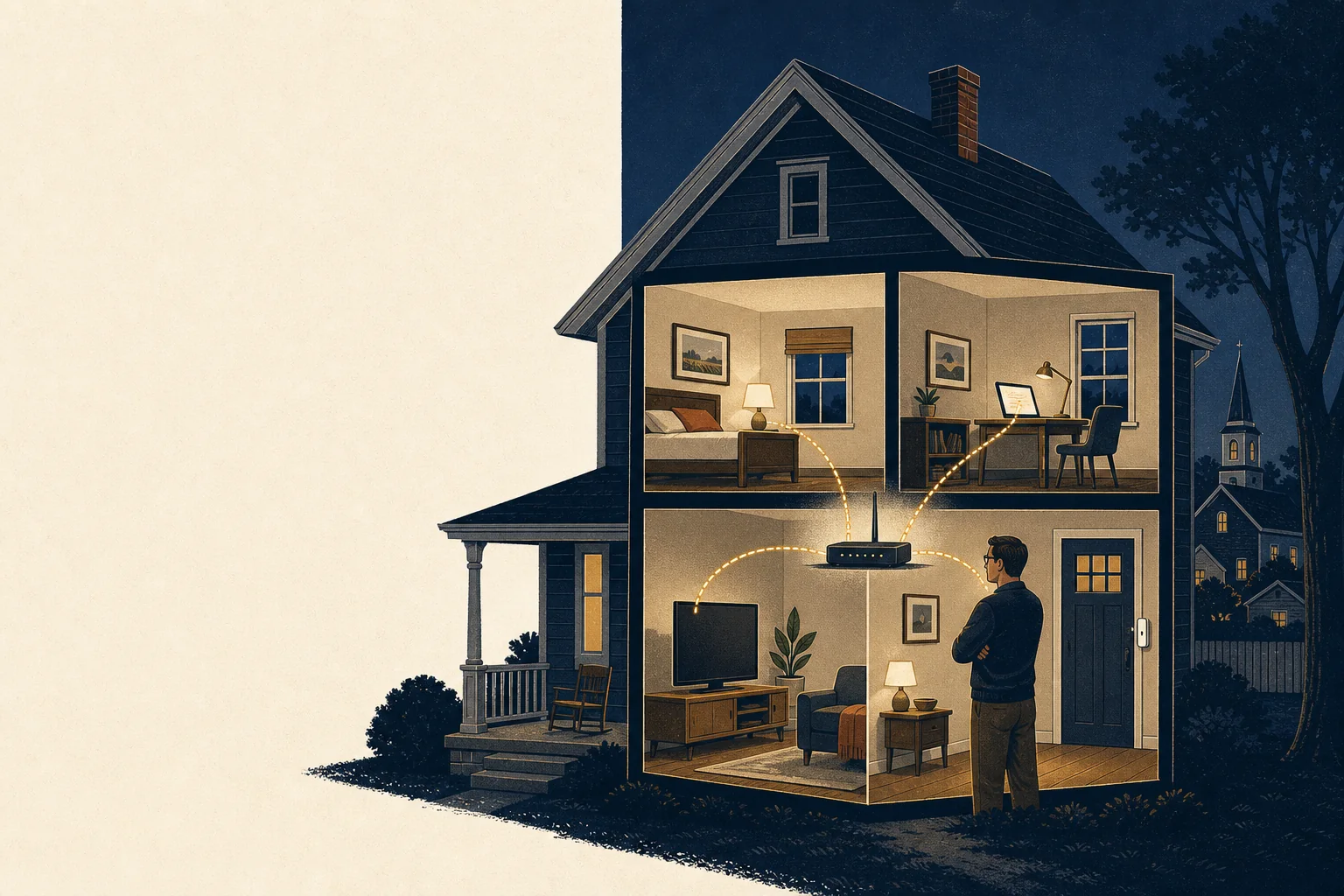
Before you start: get into the router
Your router has a settings page. The address and the login are usually printed on a sticker on the router itself — something like 192.168.1.1 or 192.168.0.1, or an app name if your internet provider supplied the box. Type the address into a browser while connected to your home Wi‑Fi. If the login on the sticker still works, that is finding number one, and it is the first thing you will change.
If nobody in the house knows the password and the sticker does not work, look for a small reset button on the back; holding it for about ten seconds returns the router to factory settings (you will need to set the Wi‑Fi name and password again afterward). If that sounds like more than you want to take on, it is a five-minute item for us during an audit.
1. Change the router's own password
This is not the Wi‑Fi password; it is the password to the settings page you just opened. If it is still admin, or a word on a sticker, anyone who joins your Wi‑Fi — a guest, a contractor, a neighbor's teenager — can change anything. Set a long, unique password and write it in the notebook or password manager where the household keeps such things. This one change removes the most common way home networks are quietly taken over.
2. Update the firmware
Somewhere in the settings page there is a “firmware,” “software,” or “update” section. Routers are small computers, and the flaws found in them are fixed by updates that most routers never receive because nobody clicked the button. Click it. If there is an “automatic updates” option, turn it on. If your router is more than five or six years old and the manufacturer no longer publishes updates, that is a sign it is time for a new one — routers do not age gracefully.
3. Look at your Wi‑Fi security
In the wireless settings, check three things:
- Encryption: it should say WPA2 or, better, WPA3. If it says WEP or WPA (without the 2), or “open,” change it today; those can be broken by a stranger in the driveway in minutes.
- The Wi‑Fi password: long beats clever. A phrase of four or five unrelated words is easy for the family to type and very hard to guess. Change it if you have ever given it to someone you no longer trust with your house.
- WPS: a “push button” convenience feature that has had well-known weaknesses for over a decade. Turn it off.
4. Separate the visitors and the gadgets
Most routers can create a guest network: a second Wi‑Fi name that reaches the internet but cannot see the devices on your main network. Turn it on and use it for two groups: guests, and the “internet of things” — smart plugs, televisions, doorbells, cameras, thermostats, the robot vacuum. Those devices are made by hundreds of companies of varying diligence and are rarely updated. Keeping them off the network that carries your laptop and your phone means that a weakness in a $12 smart plug is not a weakness in your bank account.
Some devices, notably printers and streaming boxes, are inconvenient on a guest network. Put those on the main network if you must and move on. Perfect is not the goal; better is.
5. Close the doors you did not know were open
Two settings let devices inside your house be reached from outside it, and both are usually on by default:
- Remote management (sometimes “remote access,” “web access from WAN,” or “cloud management”): this exposes the router's own settings page to the internet. Turn it off unless you have a specific reason and a very strong password.
- UPnP (Universal Plug and Play): this lets any device on your network open a hole in your firewall on its own, without asking you. It exists for game consoles and a few apps. Turn it off; if something in the house stops working, you will know within a day and can turn it back on deliberately.
While you are there, look for a “port forwarding” page. If it lists rules nobody remembers making, delete them. If it lists rules someone made for a camera or a recorder years ago, that camera has very likely been reachable from the whole internet since; this is precisely the situation that leads to strangers watching a nursery feed. Delete the rule and let us show you a safe way to view cameras remotely.
6. Find out what is actually connected
Every router has a page listing connected devices (“clients,” “attached devices,” “device list”). Read it slowly. Count the phones, laptops, tablets, televisions, plugs, printers, and speakers you own, and account for each entry. Names are often cryptic; a device you cannot place is worth investigating — it may be an old phone in a drawer, or it may not be yours. Many routers let you block a device from this page. Do so for anything you cannot identify, and see what stops working.
Write the list down. You have just made the first inventory most households have ever had of their own network — and it is the same list we build, more thoroughly, at the start of every audit.
If you have twenty more minutes
- Turn on automatic updates on phones, laptops and anything else that offers them.
- Consider setting your router's DNS to a filtering resolver that blocks known malicious sites for every device in the house at once. We are glad to recommend one.
- Make sure the photos and documents you would grieve to lose exist in two places. Security is also about not losing what you have.
What we do that this checkup does not. Our Home Network Audit looks from the outside in as well as the inside out, identifies every device with confidence rather than by guesswork, examines the smart devices themselves, and leaves you a written report. Many households do this checkup first, then call us for the rest. That is exactly how we hoped it would go.